
Destroy Live Dataset
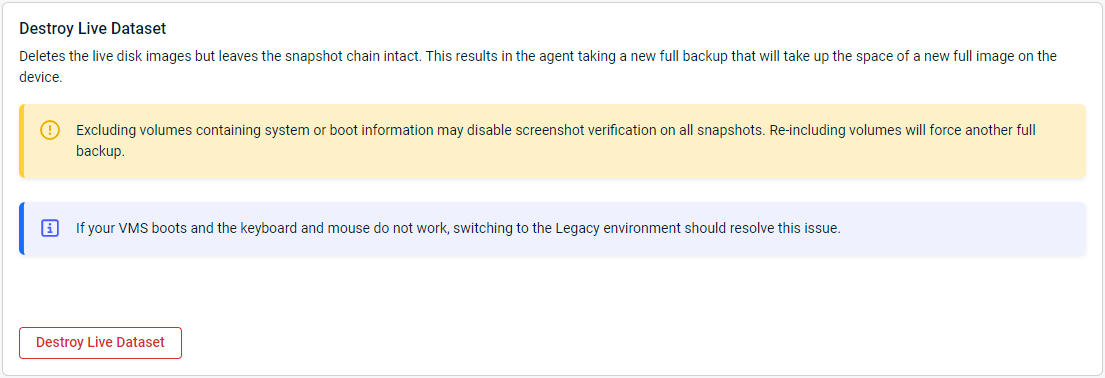
This article describes how to remove an agent's live dataset from a Datto device. Destroying the live dataset of a protected system will delete the live disk images but leave the snapshot chain intact. If you want to remove a system's entire backup chain for your appliance, see Remove Agent.
This information only applies to agent data, Datto NAS and NAS share data are not applicable.
Description
If you destroy the live dataset, the system will take a new full backup, which will take up the space of a new full image on the device. Only use this option if this protected machine's disks have re-sized, or the protected machine's disk image is irreparably corrupt.
If a re-base of a single volume is required, but not the full agent. The single volume's live dataset can be deleted under Volume Level Backup Control.
IMPORTANT The new full backup may require a RoundTrip to sync offsite if the upload speed at the site is insufficient.
Procedure 
To destroy the live dataset:
-
Open Remote Web for the Datto device.
-
Click the Protect tab.
-
Find the agent that you wish to configure.
-
Click Configure Agent Settings for the protected system.
-
Go to the Advanced section, and scroll to Destroy Live Dataset.
-
Click Destroy Live Dataset.
