
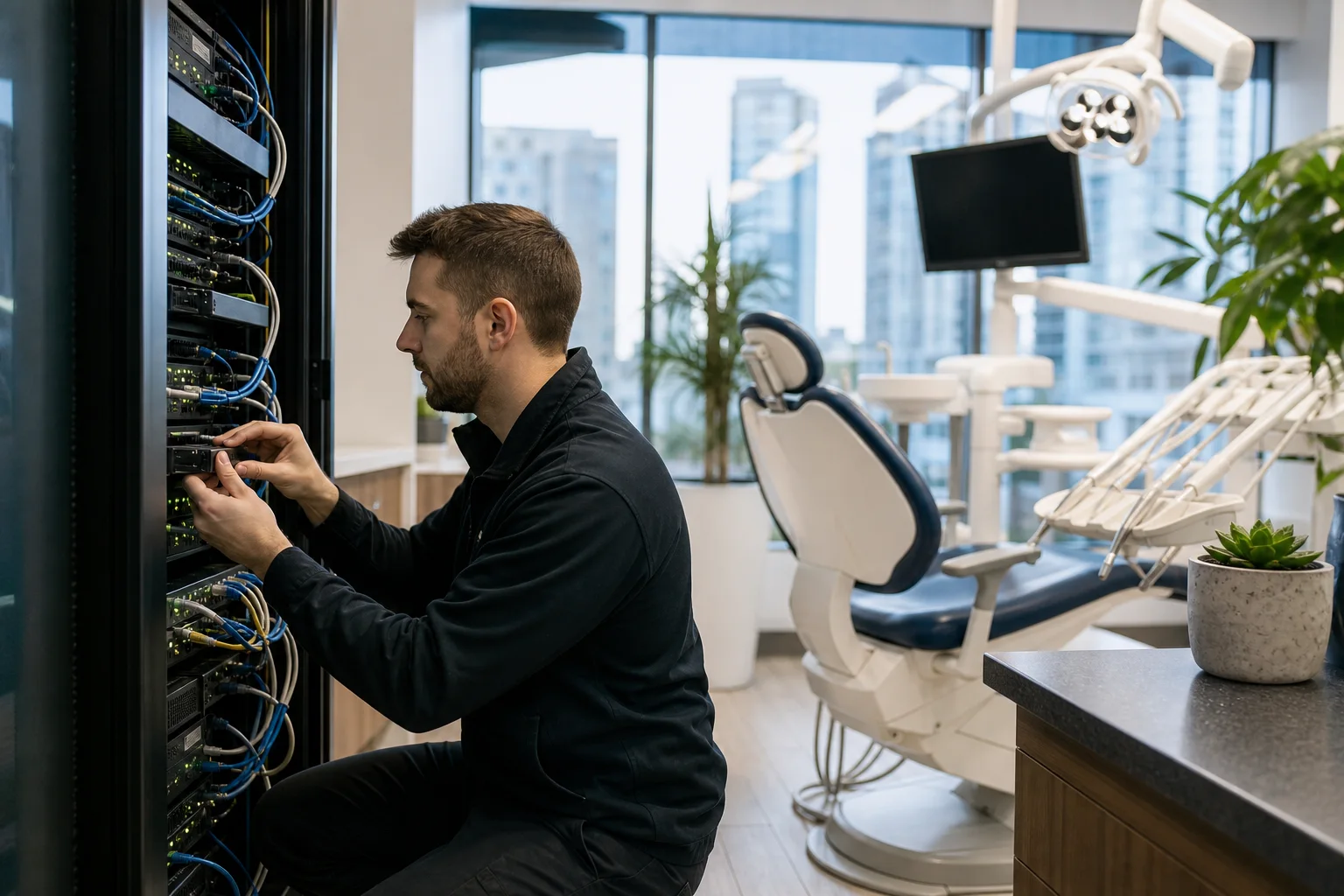
Dental clinics depend on reliable servers to access patient records, schedules, imaging files, billing systems, email, and practice management applications. When a server slows down or fails, reception, clinical workflows, and patient service can quickly be disrupted. Proactive dental clinic server maintenance helps reduce downtime, protect sensitive information, and keep essential systems available. TASProvider delivers managed IT services in Toronto and across the Greater Toronto Area for dental practices that need dependable, business-focused technology support.
Why Dental Clinic Server Maintenance Matters
A dental server is often the central point for clinical and administrative technology. It may store databases, host applications, manage user access, support digital imaging, or connect workstations and network devices. Even clinics using cloud applications can have local servers or network equipment that require ongoing management.
Without regular maintenance, small issues can develop into serious operational problems. Storage can fill unexpectedly, backups may stop completing, security updates can be missed, and aging hardware can become unreliable. A structured maintenance plan allows these risks to be identified before they interrupt patient care or business operations.
Effective server maintenance supports:
- Reliable access to practice management and clinical applications
- Improved server and workstation performance
- Protection against malware, unauthorized access, and data loss
- Consistent data backup and disaster recovery readiness
- Better visibility into hardware health and storage capacity
- More predictable IT costs and fewer emergency repairs
- Support for privacy, security, and record-retention obligations
Essential Server Maintenance for Dental Practices
Operating System and Application Updates
Server operating systems, database platforms, security tools, and dental applications need controlled updates. Patches can address security weaknesses, software defects, and compatibility issues, but applying them without preparation may disrupt specialized applications or connected equipment.
TASProvider evaluates updates, confirms system readiness, schedules work outside busy clinic hours where possible, and verifies services after maintenance. Updates should also be coordinated with dental software vendors when an application has specific version or database requirements.
Server Health and Performance Monitoring
Continuous monitoring can identify warning signs that may not be obvious to clinic staff. These include high processor use, low disk space, failing services, unusual login activity, backup errors, and hardware alerts. Early detection gives an IT team time to investigate before a system becomes unavailable.
As a managed service provider in Toronto, TASProvider uses proactive monitoring and documented response processes to support server reliability. Capacity trends can also help a clinic plan storage or hardware upgrades before performance deteriorates.
Data Backup and Disaster Recovery
A backup is useful only if it completes successfully and the required data can be restored. Dental clinics should use a data backup and disaster recovery strategy that protects practice databases, documents, imaging data, configuration files, and other essential information based on operational requirements.
A practical approach may include local recovery options for speed, encrypted off-site or cloud backups for resilience, automated monitoring, and scheduled restore testing. Backup access should be restricted so that a compromised user account or server cannot easily delete every recovery copy.
Clinics should define two important objectives: how much data they can afford to lose and how quickly critical systems must be restored. These requirements guide backup frequency, retention, infrastructure design, and recovery procedures.
Security and Access Management
Servers containing patient and business information require layered protection. Maintenance should include reviewing administrator accounts, removing access for former staff, checking security logs, maintaining endpoint protection, and confirming that remote access is properly secured.
Recommended controls include:
- Unique user accounts with access based on job responsibilities
- Multi-factor authentication where supported
- Separate administrator credentials for IT management
- Secure firewall and VPN configurations
- Endpoint detection and security monitoring
- Encryption for supported devices, backups, and communications
- Documented onboarding and offboarding procedures
TASProvider’s cybersecurity services in Toronto help dental clinics coordinate these controls across servers, computers, Microsoft 365, firewalls, and remote connections. Security should be managed as an ongoing process rather than a one-time installation.
Hardware and Storage Management
Physical servers require attention to disk health, power protection, temperature, memory, warranties, and expected service life. Uninterruptible power supplies should also be inspected and tested because batteries degrade over time. A server connected to an unreliable or exhausted power unit may still shut down improperly during an outage.
Storage planning is especially important for clinics that produce large imaging files. Maintenance reviews should assess current use, expected growth, application requirements, and backup capacity. Repeatedly deleting files to create temporary space is not a sustainable storage strategy.
Common Warning Signs of Server Problems
Clinic owners and managers should request an IT assessment when they notice recurring technical issues. Warning signs can include:
- Slow logins or delayed access to patient records
- Frequent application freezes or database errors
- Workstations losing connection to shared files
- Backup notifications that are missing or repeatedly unsuccessful
- Server fans running constantly or unusual hardware noises
- Low-storage warnings
- Unexpected restarts or shutdowns
- Remote access that is unreliable or difficult to secure
- Unsupported operating systems or expired hardware warranties
These symptoms do not always mean a server must be replaced. Configuration problems, network congestion, software conflicts, and insufficient resources can produce similar results. Proper diagnosis helps the clinic avoid unnecessary spending while addressing the underlying issue.
Building a Practical Maintenance Schedule
Dental clinic server maintenance should follow a documented schedule rather than relying on occasional repairs. The exact frequency depends on the clinic’s systems, hours, software, and risk profile.
Daily and Continuous Tasks
- Monitor server availability, security events, storage, and critical services
- Confirm backup jobs and investigate failures
- Review alerts that may require immediate action
Monthly Tasks
- Apply approved operating system and application updates
- Review server performance and capacity trends
- Check user accounts and privileged access
- Confirm endpoint security and monitoring status
- Document completed work and outstanding risks
Quarterly and Annual Tasks
- Test representative data restores and recovery procedures
- Review firewall, VPN, and remote-access configurations
- Inspect hardware lifecycle, warranties, and power protection
- Update network diagrams, asset records, and vendor contacts
- Review business continuity plans with clinic leadership
- Plan upgrades for systems approaching end of support
Supporting Privacy and Business Continuity
Ontario dental clinics handle personal health information and must consider applicable privacy and security obligations, including requirements under the Personal Health Information Protection Act. Technology alone does not establish compliance, but properly managed servers, access controls, backups, logs, policies, and incident procedures can support a clinic’s broader privacy program.
Business continuity planning is equally important. A clinic should know how it will operate if its server, internet connection, phone system, or building becomes unavailable. Plans should identify essential applications, recovery priorities, responsible contacts, vendor escalation paths, and temporary operating procedures. They should also be reviewed after major system or staffing changes.
When to Consider Cloud or Hybrid Infrastructure
Replacing an aging server does not automatically mean purchasing another server for the clinic. Depending on application compatibility, internet reliability, data requirements, and vendor support, cloud IT services or a hybrid design may provide greater flexibility.
TASProvider can assess local infrastructure, Microsoft 365 services, cloud hosting, data protection, network security, and remote-access requirements. The right design may retain certain workloads on-site while moving email, collaboration, backup, or selected applications to managed cloud platforms. Recommendations should be based on clinical workflow, security, recovery objectives, and total operating cost—not technology trends alone.
Choosing an IT Partner for Your Dental Clinic
A suitable IT provider should understand that dental technology requires coordination among clinic staff, software vendors, imaging providers, internet carriers, and equipment specialists. Ask prospective providers how they monitor systems, test backups, document environments, handle after-hours incidents, protect administrative credentials, and plan hardware replacements.
Reliable business IT support also requires clear communication. Clinic leaders should receive understandable recommendations, risk priorities, and budget guidance rather than unexplained technical changes.
Dental Clinic IT Support from TASProvider
TASProvider provides managed IT services, IT consulting, cybersecurity, Microsoft 365, cloud infrastructure, network security, firewall and VPN management, data backup and disaster recovery, and VoIP services for small and medium-sized businesses. We support organizations in Toronto, Vaughan, Richmond Hill, Markham, North York, Mississauga, and across the GTA.
Whether your dental clinic needs ongoing server maintenance, an infrastructure assessment, stronger backups, or a plan to replace aging systems, TASProvider can help align technology with patient service and business priorities. Contact TASProvider to discuss reliable dental clinic IT support and a practical maintenance plan for your environment.
Mandag, september 21, 2026
