
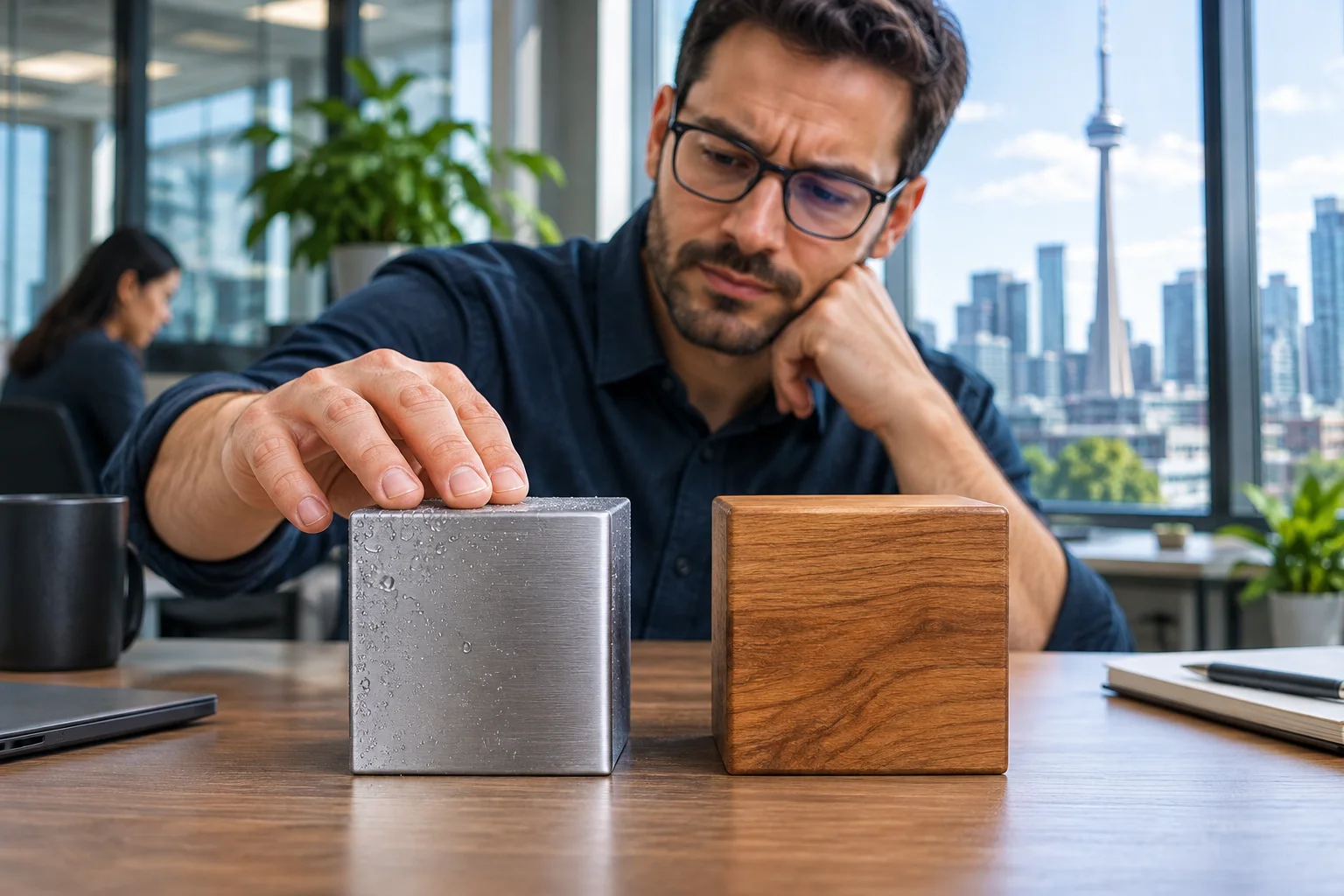
Touch the metal leg of a desk, then rest your hand on its wooden top. Even after a weekend in the same Toronto office, the leg will probably feel colder. The reason is heat transfer: if both surfaces are cooler than your skin, both draw heat from your hand, but metal usually draws it away faster. What you feel in those first few seconds is your skin cooling, not a direct reading of either surface's temperature. That distinction also matters when someone touches a warm laptop or a cool server cabinet and wonders whether the equipment is operating normally.
What happens when your hand touches a surface?
Before contact, your hand and the desk each have their own temperature. Once they touch, heat flows across the contact area from the warmer material to the cooler one. The thin layer of wood under your fingertips warms up fairly quickly. Because wood conducts heat poorly, much of that heat stays near the point of contact. As the wood surface warms toward your skin temperature, the rate at which your hand loses heat drops.
Metal behaves differently. It conducts incoming heat away from the contact area and into the rest of the desk leg. More of the material can therefore absorb heat from your hand during the same short interval. The metal directly beneath your fingers stays cooler than the corresponding patch of wood, and temperature-sensitive nerves in your skin register the difference. Neither material creates cold; they differ in how readily they carry heat away.
The property behind the cold-metal effect
Thermal conductivity tells us how readily heat travels through a material. For the initial sensation of touch, a more useful property is thermal effusivity. It combines conductivity with the material's density and specific heat capacity. Together, those properties describe how readily a surface can exchange heat with another object without its own temperature changing much. Common desk metals have higher thermal effusivity than dry wood.
A familiar example is a metal spoon and a wooden spoon stored in the same kitchen drawer. The metal one feels cooler when you pick it up. But if the bowls of both spoons are warmed to the same temperature above skin temperature, the direction of heat flow reverses: the metal transfers heat into your skin faster and feels hotter. Metal does not have an inherently cold feel. It makes the temperature difference more noticeable in either direction.
Why the finish and shape matter
Your hand touches the outermost layer, not the material named on the label. A rubber sleeve on a metal handle slows heat transfer. Rough wood may also make less direct contact with your fingertips than polished metal. Thickness matters over time: a small piece of foil has little material available to absorb heat and soon warms in your hand. A solid metal block at the same starting temperature can sustain the cooling sensation for longer.
How to check whether the temperatures really match
Being in the same room is not proof that two surfaces are at the same temperature. Sunlight can warm a desktop while its legs remain shaded. A metal bracket attached to an exterior wall can conduct heat to or from the wall. To separate those effects from the sensation of touch, try this simple comparison with ordinary household items rather than powered equipment:
- Place a wooden chopping board and a metal baking tray side by side on a dry counter, away from sunlight, vents and appliances. Leave them undisturbed long enough to settle to room temperature.
- If you have a contact surface thermometer, measure each item before touching it. Use the same probe and contact method, and allow each reading to stabilize. The readings should be close under stable conditions.
- Briefly touch each surface with dry fingertips. Compare your impressions with the readings. The tray can feel distinctly cooler even when the measured difference is too small to explain the sensation.
An infrared thermometer is not necessarily a better shortcut. Shiny metal can reflect infrared radiation from its surroundings, so a reading taken with the wrong surface setting can be misleading. For this comparison, a suitable contact probe avoids that particular source of error.
What this means for laptops and server cabinets
A laptop during a video call is different from a spoon in a drawer: it is generating heat. A warm metal enclosure may be carrying heat away from internal components as intended. Conversely, a plastic case that feels comfortable does not prove the processor is cool. The useful business IT support question is not simply whether the case feels warm, but whether the device is behaving normally for its workload and operating environment.
- For a slow or unusually warm laptop: Note which task was running, whether vents were obstructed and whether the device displayed a temperature warning or shut down. A support technician can compare those observations with available diagnostics and manufacturer guidance instead of recommending a replacement based on touch alone.
- For a server or network cabinet: A cool metal door tells you little about the air entering a server. Check intake conditions with a suitable sensor, review available hardware alerts and confirm that warm exhaust has a clear path away from equipment intakes.
- For recurring complaints: Record the device, location, time and effect on work. Several devices reporting warnings in one closet call for a different investigation than one laptop slowing down during a demanding task. That distinction helps the business direct maintenance spending where it is useful.
From a physical clue to a sound IT decision
The desk experiment offers a useful rule: take the sensation seriously, but measure the condition that matters. If recurring heat warnings or unexplained shutdowns are interrupting work, contact TASProvider about managed IT services in Toronto and across the GTA. TASProvider can help your team assess server and workstation conditions, interpret alerts and plan practical changes to keep business systems reliable.
mardi, novembre 24, 2026
