
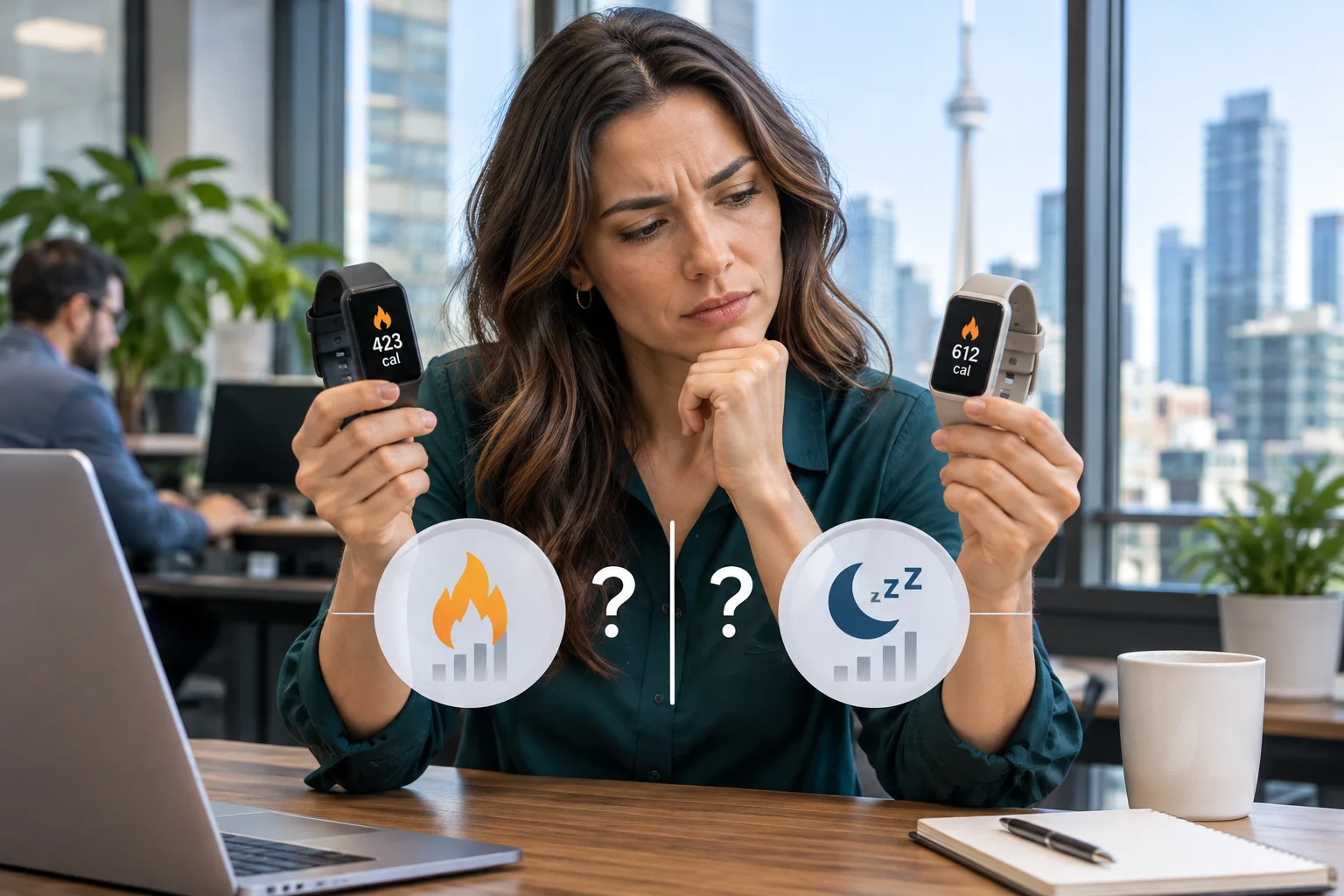
Wear two fitness trackers on the same walk and you may finish with similar step counts but noticeably different calorie totals. Leave both on overnight and they may disagree about when you fell asleep. Neither device directly measures calories burned or observes sleep the way a sleep lab does. Each collects signals, interprets them with its own software and chooses what to include in the number you see. Before deciding that one tracker is wrong, check whether the two are answering the same question.
Calorie estimates: start with what the total includes
The first distinction is between active calories and total calories. Active calories represent estimated energy used above rest. Total calories generally include the energy your body would have used during that period even if you had stayed seated. If one workout summary shows active calories and another shows total calories, the second can be higher even when both devices interpret the walk similarly. A workout summary and a daily activity tile may also cover different periods. Check the label and time window before comparing the figures.
Why the same workout produces different numbers
A wrist tracker can sense movement and, on many devices, estimate heart rate using an optical sensor. It cannot directly sense how much energy your muscles need. Software uses the available signals, the selected activity and profile details such as age and weight to estimate energy expenditure. Different models can give different weight to each input. A stale weight entry in one app adds another source of disagreement that has nothing to do with sensor quality.
Consider two walks at the same pace, one on level ground and one uphill carrying groceries. The second requires more effort, but your wrist motion may look similar or even decrease because you are holding a bag. Heart rate supplies additional context, but it is not a direct measure of energy use either. A tracker that misses part of the heart-rate signal may have less information to work with. Cycling and strength training present similar challenges: substantial effort does not always produce a corresponding increase in wrist movement.
Sleep estimates: stillness is not the same as sleep
A consumer tracker typically infers sleep from patterns of movement and, where available, pulse data. A clinical sleep study can use brain activity, eye movements and muscle activity to distinguish sleep stages. Wrist signals provide indirect clues instead. In particular, a watch may find it hard to distinguish lying still while awake from the first minutes of sleep. Two devices can record a quiet wrist accurately and still assign different sleep start times.
Suppose you read in bed from 10:30 to 11:00. One app might include most of that half hour in its sleep estimate; the other might identify it as time in bed but awake. Brief awakenings can create the opposite problem if you remember being awake but moved very little. On the morning chart, compare the start time, end time and awake intervals separately. That is more informative than comparing sleep scores, which may combine duration, interruptions and other inputs using different rules.
What to make of deep sleep and REM charts
A colour-coded chart can suggest more certainty than the underlying measurements warrant. Devices may agree on total sleep time yet divide the same night differently among light, deep and REM sleep. Use the chart to prompt useful questions, such as whether a later bedtime is cutting into your usual sleep window. Do not treat one unusually low deep-sleep estimate as a diagnosis. Persistent daytime sleepiness or concerns about breathing during sleep are reasons to speak with a healthcare professional, regardless of the score.
A practical checklist for comparing fitness trackers
- Match the metric and interval. Compare active calories with active calories for the same workout, or time asleep with time asleep for the same night. Exclude time in bed when comparing sleep duration.
- Check the inputs. Review profile details, units, wrist settings and workout mode. If one device automatically detected a walk and the other was started manually, check whether they recorded the same beginning and end.
- Look for missing data. Follow the manufacturer's fit guidance and inspect the timeline for gaps. A loose band, a charging break or a disabled sensor can leave one device with less evidence than the other.
- Trace the data source. A phone dashboard may receive activity from a watch, a phone sensor and an exercise app. If its total differs from the watch display, inspect the contributing records and any source-priority settings before blaming the hardware.
- Compare patterns rather than picking a winner. Use the same device and settings over several comparable days. A consistent difference between two trackers shows that their estimates differ; without an independent reference, it does not tell you which is closer to the true value.
What Toronto employers should know about wearable data
For a GTA business considering an optional wellness challenge, differences between trackers are a programme design issue, not just a technical curiosity. Ranking employees by calories burned can reward the choice of app or reporting metric rather than participation. A simpler design is to let staff record completion of an activity, with an equivalent option for people who do not own a wearable. There is rarely a reason to collect a detailed sleep history to run a lunchtime walking group.
If a programme connects to business systems, decide what information the business actually needs before enabling a sync. Review the permissions requested by the app, who can access exported records, where those records are stored and when they will be deleted. A spreadsheet shared through Microsoft 365 is a separate copy: removing the original app connection does not remove that file. Document an owner for each export and review applicable privacy obligations before collecting employee information.
Keep the estimate in perspective
For personal use, a consistent trend from one tracker is generally more useful than a contest between two calorie totals or sleep scores. For employers, the better question is whether the data needs to enter a business system at all. If your organization is evaluating a workplace app, TASProvider provides IT consulting, Microsoft 365 services and managed IT services in Toronto and across the GTA. Contact TASProvider for help reviewing app permissions, file sharing and access controls before rollout.
petak, studeni 20, 2026
