
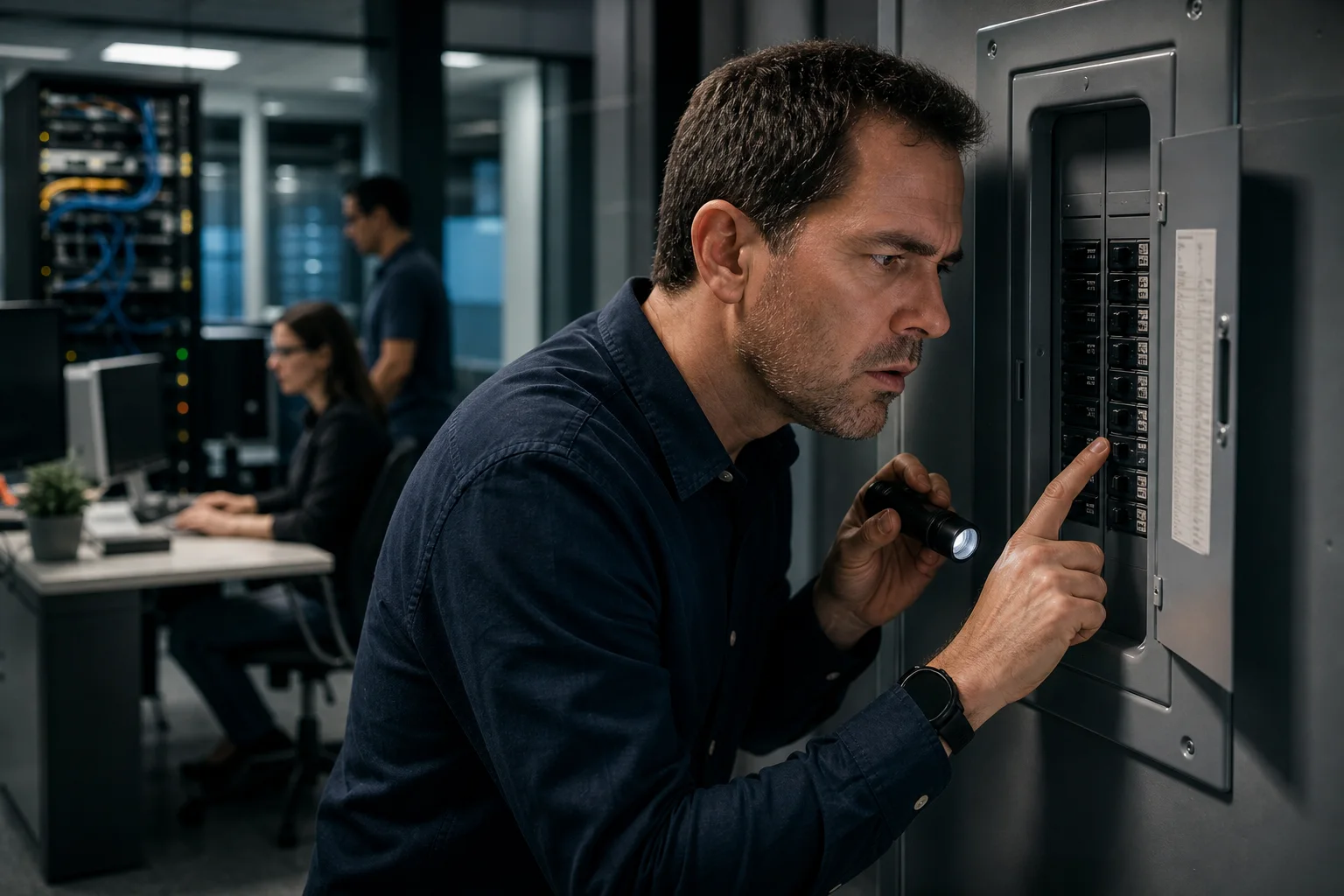
A circuit breaker can keep tripping even when no new equipment has been plugged in. Existing devices may be drawing more power than usual, wiring may have deteriorated, or environmental conditions may be affecting an electrical circuit. For businesses, repeated trips can interrupt computers, servers, network equipment, VoIP phones, security systems, and other essential technology. Identifying the cause quickly helps protect people, equipment, and business operations.
A tripping breaker should not be ignored or repeatedly reset without investigation. Circuit breakers are safety devices designed to interrupt power when they detect an overload, short circuit, ground fault, or another unsafe condition. TASProvider can help determine whether business technology is contributing to the problem, but electrical faults and panel work must be assessed by a licensed electrician.
Why Breakers Trip When Nothing Has Changed
Although nothing new was connected, the electrical load or condition of the circuit may still have changed. Equipment does not always consume the same amount of electricity, and electrical components can deteriorate over time.
An Existing Device Is Drawing More Power
Some equipment draws additional current when starting or working harder. Common examples include air conditioners, refrigerators, heaters, printers, pumps, and devices with motors or compressors. A failing power supply or internal component may also begin consuming abnormal current.
In an office, several devices may share a circuit without employees realizing it. Computers, monitors, printers, network switches, kitchen appliances, and portable heaters can collectively exceed the circuit's capacity, even if that combination previously appeared to work.
A Temporary Device Is Being Used
A device does not need to be permanently installed to create an overload. Cleaning equipment, portable heaters, kettles, microwaves, power tools, or seasonal appliances may be connected only occasionally. The breaker may trip when one of these devices operates at the same time as the normal office equipment.
Ask employees, cleaners, contractors, and other building users what was running immediately before the trip. The timing often reveals a pattern that is not visible during a basic inspection.
A Device or Power Supply Is Failing
Aging equipment can develop electrical faults. Damaged power cords, loose plugs, worn surge protectors, defective uninterruptible power supplies, and failing computer or server power supplies may cause intermittent trips.
Look for warning signs such as:
- Burning smells, buzzing, crackling, or visible sparks
- Discoloured plugs, outlets, or power bars
- Unusually hot cables, adapters, or equipment
- A UPS reporting faults or frequently switching to battery
- Trips that occur whenever a particular device starts
- Equipment that unexpectedly restarts or shuts down
Stop using any device that appears damaged, overheats, smells unusual, or causes a breaker to trip. Do not open electrical equipment or attempt internal repairs unless you are qualified to do so.
There Is a Short Circuit or Ground Fault
A short circuit can occur when energized conductors make unintended contact. A ground fault occurs when electrical current follows an unintended path to ground. Damaged insulation, moisture, loose connections, faulty appliances, or wiring problems can cause these conditions.
These faults can develop without any new equipment being connected. They require professional attention because they may present shock or fire risks. If the breaker trips immediately after being reset, will not remain on, or is accompanied by heat, noise, smoke, or odour, leave it off and contact a licensed electrician.
The Breaker or Electrical Connection May Be Worn
Circuit breakers and electrical connections can deteriorate. A breaker may become more sensitive with age, while loose or damaged connections can generate heat and cause unsafe operation. Only a qualified electrician should inspect or replace a breaker, open an electrical panel, or assess building wiring.
Heat and Environmental Conditions Have Changed
Electrical equipment can behave differently as temperatures rise. Hot weather may increase air-conditioning demand, while blocked ventilation can cause server, UPS, or network equipment to run hotter. Moisture, dust, water leaks, renovations, and pest activity can also affect outlets, cabling, and connected devices.
What to Do When a Breaker Keeps Tripping
Safety should come before troubleshooting. Business owners and employees can record useful information and disconnect ordinary plug-in devices, but they should not remove panel covers, alter wiring, replace breakers, or bypass safety mechanisms.
- Document what happened. Record the time, affected rooms, active equipment, weather conditions, and any unusual smell, sound, or heat.
- Check for immediate hazards. If there is smoke, fire, sparking, significant heat, or a burning smell, move away from the area and follow emergency procedures. Contact emergency services where appropriate.
- Leave repeatedly tripping circuits off. Do not keep resetting a breaker that trips immediately or repeatedly.
- Disconnect non-essential plug-in equipment if safe. Unplug ordinary devices from the affected circuit without touching damaged, hot, wet, or sparking equipment.
- Contact a licensed electrician. An electrician can test the circuit, breaker, outlets, wiring, and electrical load.
- Notify your IT provider. If servers, networking, storage, phones, or security systems are affected, coordinate shutdown, recovery, and equipment checks with qualified IT support.
Why Electrical Trips Matter to Business IT
Even a brief power interruption can have wider consequences than a dark office. Unexpected shutdowns may interrupt file transfers, damage active data, stop backups, disconnect remote workers, or leave network devices in an unstable state. Repeated outages can also shorten the useful life of power supplies, batteries, and storage equipment.
Critical systems should not depend on an overloaded office circuit or consumer-grade power bar. A business IT and electrical assessment can determine whether servers, workstations, printers, VoIP equipment, and network infrastructure are appropriately distributed and protected.
Use a UPS for the Right Purpose
An uninterruptible power supply can provide short-term battery power and support an orderly shutdown during an outage. It does not increase the capacity of a building circuit or correct unsafe wiring. A UPS must be properly sized for the connected equipment, maintained according to the manufacturer's guidance, and monitored for battery or hardware faults.
TASProvider can review UPS coverage for servers, firewalls, switches, storage, and other essential systems. A licensed electrician should confirm that the underlying circuits are suitable for the intended load.
Protect Data and Maintain Continuity
Power protection is only one layer of business continuity. Organizations should also maintain tested data backup and disaster recovery procedures. Backups should be monitored, protected from unauthorized access, and periodically tested to confirm that required information can be restored.
For Toronto and GTA businesses, TASProvider combines business IT support with Microsoft 365 services, cloud IT services, cybersecurity, network management, and business continuity planning. This helps reduce reliance on a single office location or device when local power problems disrupt operations.
How to Reduce Future Power-Related Disruptions
- Have a licensed electrician assess recurring trips and confirm circuit capacity.
- Maintain an inventory of computers, servers, printers, UPS units, network devices, and other electrical equipment.
- Avoid connecting high-draw appliances to circuits serving critical IT systems.
- Replace damaged cords, adapters, and power distribution equipment with approved products.
- Monitor server-room temperature, ventilation, UPS status, and equipment alerts.
- Configure supported systems for safe automatic shutdown where appropriate.
- Test backups and document procedures for power failures and extended outages.
- Review recovery priorities for internet access, VoIP services, cloud applications, and Microsoft 365.
When to Call an Electrician and When to Call TASProvider
Call a licensed electrician for breakers that trip repeatedly, panel or wiring concerns, hot or damaged outlets, suspected short circuits, moisture near electrical equipment, or any work involving fixed electrical infrastructure.
Contact TASProvider when an outage affects computers, servers, backups, firewalls, VPN access, cloud services, or VoIP systems. As a managed service provider in Toronto, TASProvider can help assess IT equipment, verify service recovery, review UPS alerts, confirm backup status, and identify technology risks exposed by the interruption.
Reliable operations require coordination between electrical professionals and IT specialists. TASProvider delivers managed IT services in Toronto, Vaughan, Richmond Hill, Markham, North York, Mississauga, and across the GTA. Contact TASProvider for practical IT consulting, cybersecurity services, data backup and disaster recovery, and proactive support that helps keep your business secure, productive, and prepared.
Onsdag, Oktober 28, 2026
