
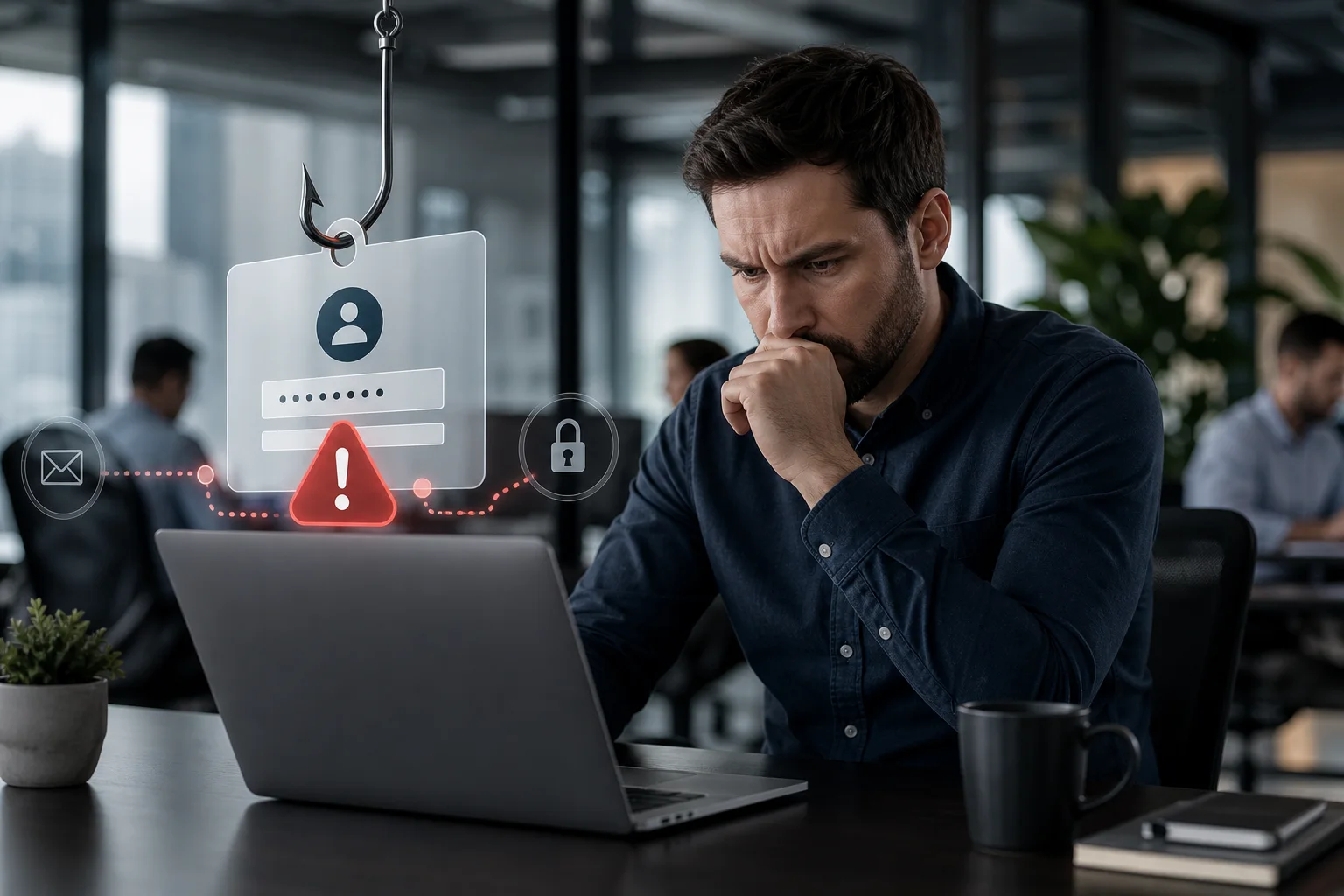
Multi-factor authentication (MFA) is one of the most effective ways to reduce account compromise, but it is not a complete defence against phishing. Certain attacks can capture authentication sessions, trick users into approving fraudulent requests, or bypass weak recovery processes. Business owners should understand these limitations so they can combine MFA with stronger identity controls, cybersecurity awareness, and active monitoring.
Why MFA remains essential
MFA requires users to provide more than one form of verification, such as a password and a code, security key, or biometric confirmation. If an attacker obtains only the password, the additional factor can prevent access.
This makes MFA an important safeguard for Microsoft 365, remote access, VPNs, cloud applications, administrative accounts, and other business systems. However, its effectiveness depends on the authentication method, configuration, user behaviour, and security of the complete sign-in process.
MFA should therefore be treated as one layer in a broader identity security strategy—not as proof that an account cannot be compromised.
How phishing attacks can defeat some MFA methods
Adversary-in-the-middle phishing
In an adversary-in-the-middle phishing attack, a fraudulent website acts as an intermediary between the user and the legitimate service. The fake page may closely resemble a Microsoft 365 or other cloud sign-in page.
When the user enters a password, the phishing system forwards it to the real service. If the service requests MFA, the user may also enter a code or approve a notification. The attacker relays that response in real time and can capture the authenticated session token issued after successful verification.
A session token tells a website that the user has already authenticated. If an attacker steals a valid token, the attacker may be able to access the account without entering the password or completing MFA again. The duration and impact depend on the application, token controls, access policies, and whether the session is detected and revoked.
MFA push fatigue
Some systems send a simple approve-or-deny notification to a mobile device. An attacker who already knows the password may repeatedly attempt to sign in, generating multiple prompts. A distracted user might approve one to stop the notifications or because they assume it relates to a legitimate application.
Number matching and sign-in context can reduce this risk by requiring the user to match a displayed number or review details such as the application and location. Users must still be trained to reject and report any request they did not initiate.
Real-time theft of one-time codes
Codes delivered through SMS, email, or an authenticator application are usually time-limited, but a convincing phishing site can request and relay them immediately. Expiration helps prevent later reuse; it does not necessarily stop real-time interception.
SMS also depends on the security of the mobile account and telecommunications process. It is generally better than password-only authentication, but organizations should use stronger, phishing-resistant methods where practical—especially for administrators and access to sensitive information.
Account recovery and help desk manipulation
Strong MFA can be undermined by weak password reset, device enrolment, or account recovery procedures. An attacker may impersonate an employee and attempt to persuade a help desk or service provider to reset MFA, add a new device, or change recovery information.
Organizations need documented identity-verification procedures for these requests. Urgency, seniority, or familiarity should not replace verification.
Consent phishing and malicious applications
Not every phishing campaign tries to steal a password. A malicious application may request permission to access email, files, contacts, or other cloud data. A user who is already signed in may grant access without recognizing the implications.
MFA can confirm the user’s identity, but it cannot determine whether granting permission is a sound business decision. Restricting user consent, reviewing application permissions, and monitoring unusual integrations can reduce this risk.
Which MFA methods provide stronger protection?
MFA methods do not provide equal resistance to phishing. Organizations should select methods according to account risk and operational requirements.
- Security keys and passkeys: Standards-based authentication methods can verify the legitimate website before completing authentication, making them resistant to common credential-relay phishing attacks.
- Certificate-based authentication: Properly managed certificates can provide strong authentication for supported business use cases.
- Authenticator applications with number matching: These provide better context and protection than basic push approvals, although users can still be deceived.
- Time-based one-time codes: These improve security over passwords alone but can be entered into a fraudulent website and relayed.
- SMS or email codes: These offer an additional barrier but may be exposed to phishing and weaknesses in the associated mobile or email account.
Moving higher-risk users to phishing-resistant authentication can materially improve protection. Administrators, finance personnel, executives, and employees with access to sensitive systems are sensible priorities.
Practical steps to protect business accounts
Use risk-based access policies
Microsoft 365 services and other cloud platforms may support conditional access controls that evaluate factors such as user role, device status, application, location, and sign-in risk. Depending on licensing and configuration, policies can block suspicious access, require compliant devices, or request stronger authentication.
Policies should be designed and tested carefully. Poorly planned rules can disrupt legitimate work or leave unintended exceptions.
Protect session tokens and managed devices
Because advanced phishing may target authenticated sessions, businesses should secure endpoints as well as credentials. Useful controls include:
- Endpoint detection and response appropriate to the organization’s risk
- Prompt operating system and browser updates
- Device compliance and mobile device management
- Limited administrative privileges
- Controls for session lifetime and reauthentication
- Rapid revocation of sessions after suspected compromise
Monitor identity and email activity
Early detection can limit damage. Monitor for unexpected sign-ins, unusual mailbox rules, suspicious forwarding, newly registered MFA methods, unfamiliar applications, abnormal downloads, and changes to privileged accounts.
Alerts must lead to a defined response. Simply collecting logs does not protect the business unless someone reviews relevant events and knows how to investigate them.
Train employees to recognize modern phishing
Security awareness should go beyond checking spelling or logos. Modern phishing pages can look polished and may use real company information. Employees should be taught to:
- Use trusted bookmarks or known portals instead of email sign-in links
- Check the complete website domain before entering credentials
- Reject unexpected MFA prompts
- Review application permission requests carefully
- Report suspicious messages through a clear internal process
- Contact IT immediately after entering credentials on a questionable page
Fast reporting is critical. Employees should not fear punishment for making a mistake, because delays can give an attacker more time to access email, data, or connected applications.
Secure administrative and recovery processes
Administrative accounts should be separate from everyday email and browsing accounts. Organizations should also limit privileged roles, review access regularly, protect emergency accounts, and require strong verification before resetting passwords or MFA methods.
A response plan should define how to disable an account, revoke active sessions, reset credentials, review authentication methods, remove malicious mailbox rules, investigate application consent, and assess affected data.
MFA works best as part of layered cybersecurity
MFA significantly improves security, but it cannot compensate for every weakness in email filtering, endpoints, cloud configuration, identity governance, user training, or incident response. Effective protection combines stronger authentication with network security, secure backups, managed devices, monitoring, and tested recovery procedures.
TASProvider helps small and medium-sized businesses implement practical identity and access controls as part of managed IT services in Toronto and across the GTA. Our business IT support can include Microsoft 365 services, cybersecurity services, cloud IT services, network security, data backup and disaster recovery, and IT consulting.
If your organization relies on basic MFA prompts or is unsure how its Microsoft 365 environment would respond to advanced phishing, TASProvider can assess the configuration and recommend risk-based improvements. Contact TASProvider for reliable IT support in Toronto, Vaughan, Richmond Hill, Markham, North York, Mississauga, and throughout the Greater Toronto Area.
nedjelja, listopad 11, 2026
