
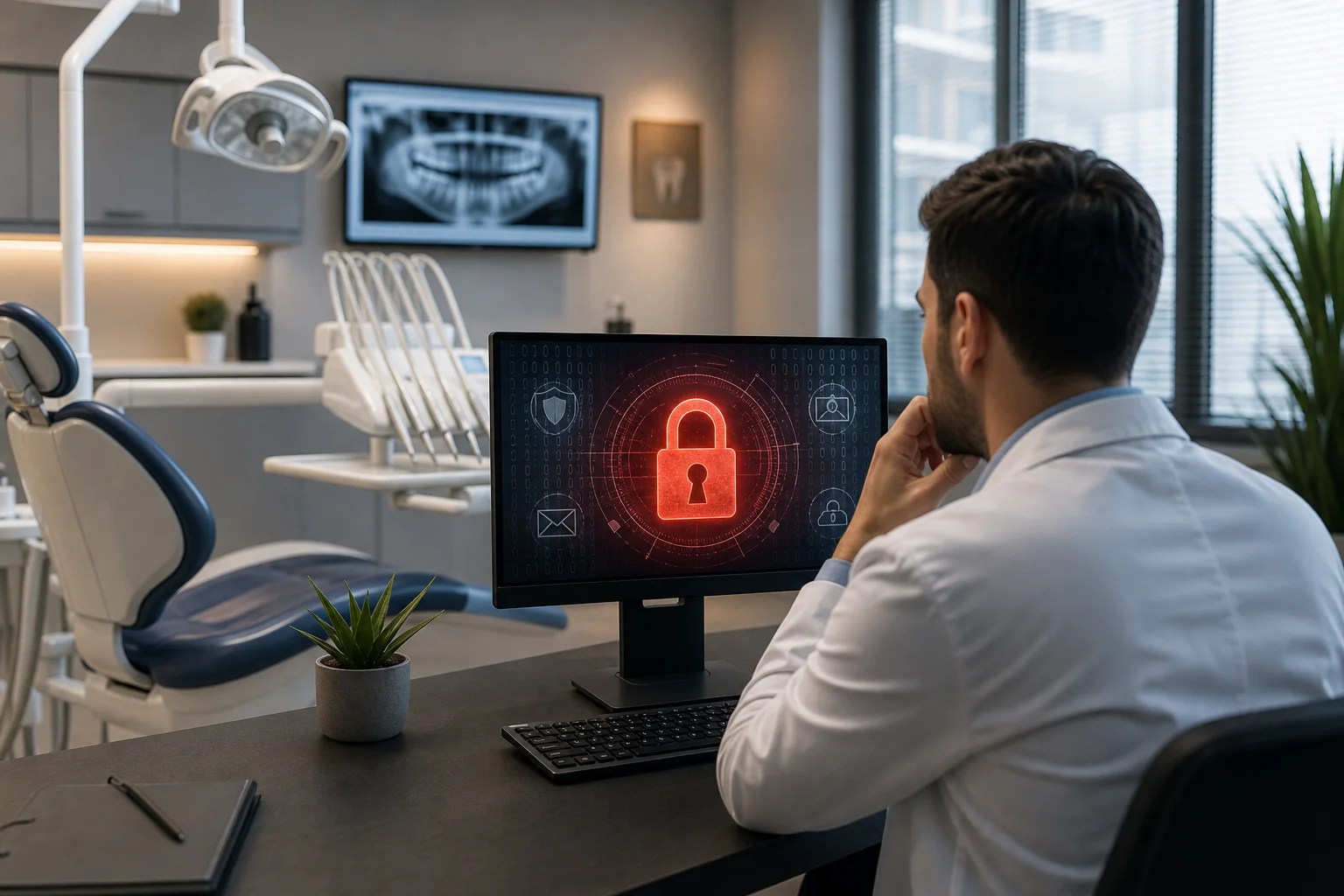
Dental offices depend on technology for scheduling, patient records, digital imaging, billing, insurance claims, email, and payment processing. That reliance makes them attractive targets for cybercriminals. A successful attack can expose sensitive information, interrupt patient care, delay revenue, and damage trust. Understanding why dental practices are targeted—and addressing the most common weaknesses—can significantly reduce risk.
Why Are Dental Offices Attractive to Hackers?
Cybercriminals rarely choose targets based only on company size. They look for valuable information, weak security controls, and organizations that cannot tolerate downtime. Dental practices often meet all three conditions.
Dental Records Contain Valuable Personal Information
Patient files may contain names, addresses, dates of birth, contact information, health histories, insurance details, treatment records, and payment-related data. Unlike a password, much of this information cannot simply be changed after it is stolen.
Attackers can use exposed data for identity fraud, phishing, extortion, or resale. Access to an email account can also reveal conversations with patients, suppliers, laboratories, insurers, and other healthcare providers.
Downtime Creates Pressure to Pay
Dental practices need reliable access to schedules, charts, imaging systems, and communication tools. If ransomware encrypts these systems, appointments may need to be postponed and staff may be unable to confirm patient histories or process claims.
Attackers understand this operational pressure. They may assume a healthcare office is more likely to pay quickly to restore access. Payment, however, does not guarantee that systems or data will be recovered.
Smaller Practices May Have Limited IT Resources
Many independent dental offices do not employ dedicated security personnel. Technology may be managed by an office administrator, a software vendor, or an IT provider called only when something breaks. This reactive approach can leave security updates, backups, account permissions, and monitoring inconsistently managed.
Cybercriminals frequently automate their scanning and phishing campaigns. A practice does not need to be specifically selected by an attacker; an exposed remote-access service, reused password, or unpatched device may be enough to create an opportunity.
Dental Technology Creates a Complex Environment
A typical office may use practice-management software, imaging workstations, intraoral scanners, payment terminals, printers, Wi-Fi, Microsoft 365, cloud applications, and vendor support tools. Some clinical devices have strict software requirements or cannot be updated as easily as standard business computers.
Every connected system adds another account, device, integration, or vendor relationship that must be secured. Without an accurate technology inventory and clear responsibilities, vulnerabilities can remain unnoticed.
Common Cyber Threats Facing Dental Practices
Phishing and Business Email Compromise
Phishing emails imitate familiar services, suppliers, banks, delivery companies, Microsoft 365 notifications, or messages from senior staff. The goal may be to steal a password, convince an employee to open a malicious attachment, or redirect a payment.
Once an email account is compromised, an attacker may review previous conversations and send convincing messages from the legitimate mailbox. This can make fraudulent payment instructions or requests for patient information difficult to detect.
Ransomware and Data Theft
Modern ransomware incidents may involve more than file encryption. Attackers can copy information before disrupting systems, then threaten to release it. A dental office therefore needs both reliable recovery capabilities and controls that reduce unauthorized access to sensitive data.
Weak or Reused Passwords
Passwords reused across email, remote access, software portals, and personal services create unnecessary exposure. If credentials are stolen from one service, attackers may test them against other accounts. Shared staff logins also make it difficult to determine who accessed or changed information.
Unsecured Remote Access
Remote support and work-from-home access can improve efficiency, but poorly configured tools may provide a direct route into the practice network. Remote access should use strong authentication, restricted permissions, encryption, logging, and controlled access through a secure VPN or other properly managed solution.
Third-Party and Vendor Risk
Dental offices exchange information with laboratories, insurers, software providers, accountants, payment processors, and other partners. A compromised vendor account or unsafe integration can create risk even when the practice’s own systems are protected. Vendor access should be limited to what is required and removed when no longer needed.
Practical Steps to Protect a Dental Office
Effective cybersecurity does not depend on one product. It requires layered controls that protect users, devices, applications, networks, and data.
- Enable multi-factor authentication: Require it for Microsoft 365, remote access, administrator accounts, backup platforms, and other critical cloud services.
- Use individual accounts: Give each employee a unique login and only the permissions needed for their role. Avoid shared administrator credentials.
- Keep systems updated: Establish a documented process for patching operating systems, browsers, applications, firewalls, and supported clinical technology.
- Secure email: Combine spam and malware filtering with authentication controls, account monitoring, and staff training.
- Segment the network: Separate clinical systems, administrative devices, servers, guest Wi-Fi, and connected equipment where practical. Segmentation can limit the spread of an intrusion.
- Protect endpoints: Use centrally managed security software on supported workstations and servers, with alerting reviewed by qualified personnel.
- Review access regularly: Disable former employee accounts promptly and verify vendor, temporary, and administrative access.
- Train staff: Teach employees to recognize phishing, unusual login prompts, unexpected attachments, and suspicious requests involving money or patient data.
Backups Must Be Designed for Recovery
Data backup and disaster recovery are essential for dental practices, but simply having a backup is not enough. Backups should be automated, monitored, encrypted, protected from unauthorized deletion, and retained according to the organization’s operational and compliance requirements.
At least one recovery copy should be isolated from the primary environment so ransomware cannot easily encrypt or delete it. Restoration tests are also important. A successful backup report does not prove that an entire server, application, or database can be restored within an acceptable timeframe.
Dental offices should document which systems must be recovered first, who can authorize recovery, how staff will communicate during an outage, and how appointments will be managed if core systems are unavailable. These business continuity decisions should be made before an incident occurs.
Privacy and Compliance Responsibilities
Ontario dental practices may have obligations under privacy requirements such as the Personal Health Information Protection Act, while other Canadian privacy rules may also apply depending on the organization and its activities. Requirements can vary, so practices should obtain appropriate legal or compliance guidance.
From an IT perspective, useful safeguards include access controls, encryption, audit logging, secure retention and disposal, incident-response procedures, and documented oversight of service providers. Technology should support the practice’s privacy obligations rather than being treated as a separate issue.
Questions to Ask Your IT Provider
A reliable managed service provider should be able to explain how it protects and supports your environment in clear business terms. Ask:
- Are security updates monitored and applied consistently?
- Which accounts are protected by multi-factor authentication?
- Who reviews security alerts and how are incidents escalated?
- Are backups isolated, monitored, and regularly tested?
- How quickly can critical systems be restored?
- Is remote vendor access restricted and logged?
- Do we have a current inventory of devices, software, and cloud services?
- What is the response plan if patient information may be exposed?
Strengthen Your Dental Practice with TASProvider
TASProvider helps dental offices and other small and medium-sized businesses improve security, reliability, and operational continuity. Our managed IT services in Toronto and across the GTA can include business IT support, Microsoft 365 services, cybersecurity, network security, firewall and VPN solutions, server management, cloud IT services, and data backup and disaster recovery.
Whether your practice is in Toronto, Vaughan, Richmond Hill, Markham, North York, or Mississauga, TASProvider can assess your current environment, identify practical priorities, and build an IT roadmap aligned with patient care and business operations. Contact TASProvider to discuss managed IT support and cybersecurity services for your dental office.
nedjelja, rujan 27, 2026
